
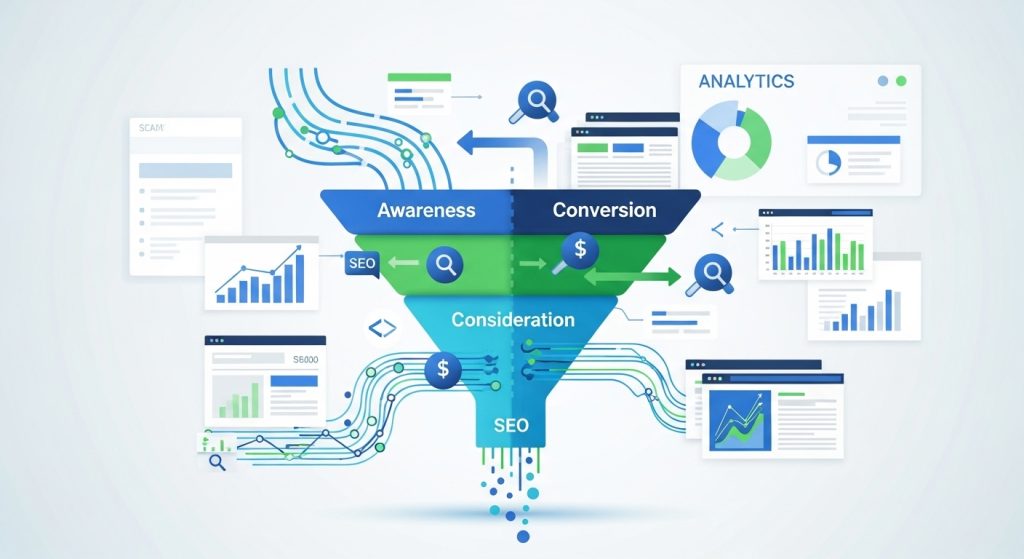
In today’s digital landscape, optimizing your sales funnel is crucial for driving conversions and maximizing revenue. A major aspect of this process involves detecting and resolving performance issues that can lead to lost leads and sales. This is where SEO data plays a pivotal role. By harnessing the power of your SEO data, you can pinpoint the exact points of friction in your sales funnel often referred to as “leaks” and work towards fixing them.
Here’s how you can use your SEO data to perform a comprehensive performance diagnosis of your sales funnel and address the leaks.
Step 1: Analyze Traffic Drop-Off Points
One of the most telling signs of a leak in your sales funnel is a significant drop in traffic at certain stages. For example, if you’re attracting a lot of visitors to your landing pages but noticing a steep drop-off on product or checkout pages, this is a red flag.
By analyzing your SEO data through Google Analytics, you can track where potential customers are exiting your funnel. Look at metrics such as bounce rate, exit rate, and session duration. If there’s a particular page where these numbers spike, it indicates that visitors are not progressing through the funnel as expected.
To identify these problem areas:
- Use the Behavior Flow feature in Google Analytics to track how visitors move through your site.
- Evaluate your landing pages, product pages, and checkout flow to see if they’re optimized for user experience (UX) and conversion.
Step 2: Investigate Keywords and Traffic Sources
Next, dig deeper into your SEO data to understand which keywords are driving traffic to your site. Sometimes, the problem isn’t with your funnel itself but with attracting the wrong type of traffic. If you’re ranking for keywords that don’t align well with your offering, you could be attracting visitors who aren’t ready to convert.
For example, if your website is ranking for terms like “cheap software,” but your product is a high-end solution, you might be drawing in price-sensitive visitors who are not in your target market. Analyze which keywords are leading to high bounce rates or low conversion rates and adjust your SEO strategy accordingly.
To diagnose this:
- Use Google Search Console to examine keyword performance and landing page engagement.
- Identify high-impression, low-click keywords and consider whether they align with your target audience.
- Update your content strategy and SEO efforts to focus on keywords with stronger buyer intent.
Step 3: Assess Content and User Engagement
Your content is a critical part of guiding visitors through your sales funnel. If visitors aren’t engaging with your content, or if they’re not finding the information they need to move further down the funnel, you might have a content gap. This often occurs when content isn’t addressing customer pain points or isn’t optimized to drive the next step in the funnel.
To identify content-related leaks:
- Use Google Analytics to track user engagement on key pages (i.e., blog posts, product descriptions, case studies).
- Measure metrics such as time on page, scroll depth, and clicks to internal links.
- Identify if certain content pieces have high bounce rates or lack clear calls to action (CTAs).
Once you spot these issues, revise your content to make it more actionable. Add relevant internal links, improve your CTAs, and ensure that your content matches the intent of users at different stages of the funnel.
Step 4: Examine Page Speed and Mobile Optimization
In today’s mobile-first world, performance issues can arise from slow page load times or a poor mobile user experience. Even a slight delay in loading times can cause significant traffic loss, especially on mobile devices.
To diagnose technical leaks in your funnel:
- Use Google PageSpeed Insights to test the speed of your landing pages and product pages.
- Check if your website is fully optimized for mobile devices using Google’s Mobile-Friendly Test tool.
- Evaluate your website’s Core Web Vitals in Google Search Console to ensure it meets Google’s performance standards.
Slow-loading pages and a non-responsive design can significantly hurt user experience and cause potential customers to abandon the funnel. Fixing these issues can have a significant impact on both conversion rates and SEO rankings.
Step 5: Track Conversions and Evaluate SEO Performance Metrics
Lastly, assess the overall conversion performance of your sales funnel with a focus on SEO metrics. Conversion tracking is crucial to understand whether your SEO efforts are ultimately driving sales or just traffic. By setting up goal tracking in Google Analytics, you can directly link SEO performance to sales outcomes.
To evaluate your funnel’s effectiveness:
- Set up conversion goals in Google Analytics to track actions such as form submissions, purchases, or sign-ups.
- Monitor conversion rate for organic search traffic and compare it with other traffic sources.
- Use UTM parameters to track the performance of specific SEO campaigns and adjust your strategy based on performance data.
If your conversion rates are low despite good SEO traffic, it could indicate that the funnel is not properly optimized for conversion, or your product might not align with the audience you’re attracting.
Turning SEO Data Into Actionable Insights
The key to identifying leaks in your sales funnel lies in understanding and analyzing your SEO data. By closely monitoring user behavior, traffic sources, keyword performance, content engagement, page speed, and conversion rates, you can detect areas where prospects are dropping off and address them strategically.
Solving these issues will not only enhance your SEO performance but will also lead to improved user experience, higher conversion rates, and a more efficient sales funnel. The goal is to continuously monitor, test, and optimize your funnel with data-driven insights to ensure that your business is maximizing every opportunity to convert traffic into loyal customers.