
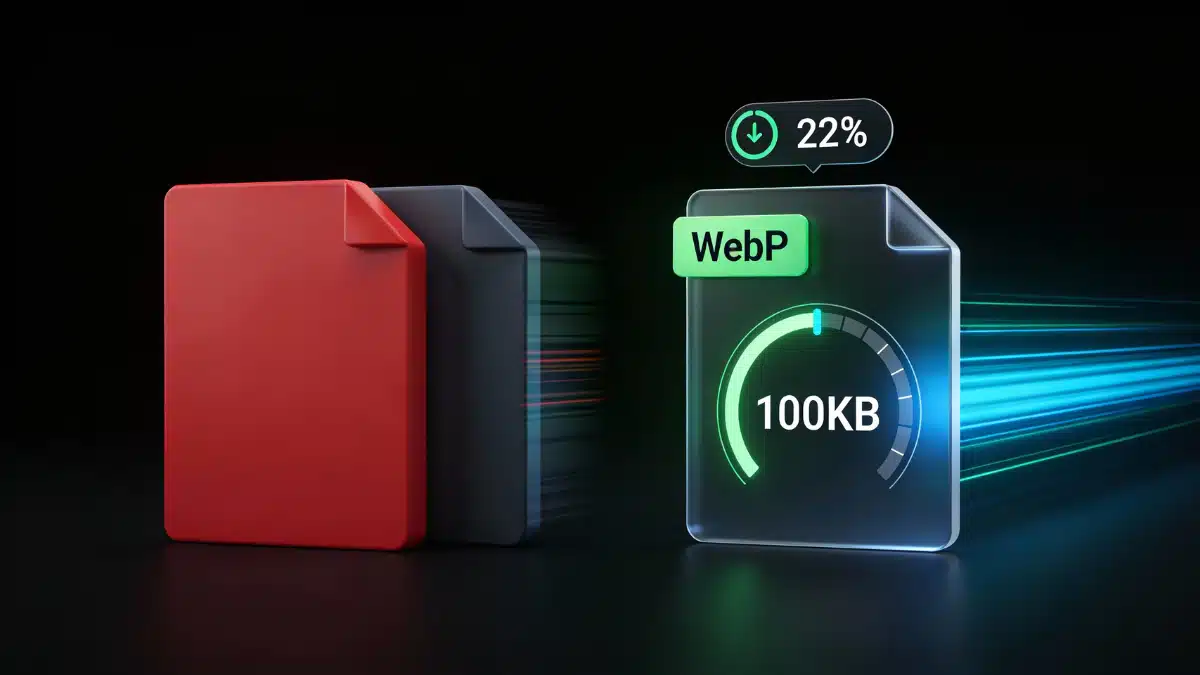
Images account for 50-60% of total page weight on most B2B websites, yet they remain one of the most neglected optimization opportunities. Unoptimized images slow page speed, hurt core web vitals scores, and miss valuable traffic from Google image search. Beyond technical performance, images provide accessibility, context, and engagement but only when optimized correctly with descriptive alt text, semantic file names, and proper formatting.This complete on-page SEO framework delivers the exact image optimization strategy that improves both search visibility and user experience without sacrificing visual quality.
Why does image SEO matter for rankings and traffic?
Image optimization impacts SEO performance across multiple dimensions. First, properly optimized images improve page load speed, which is a confirmed ranking factor and critical component of core web vitals. Pages loading in under 2.5 seconds rank significantly higher than slower pages, and image optimization is often the fastest way to achieve meaningful speed improvements.
Second, images represent a distinct traffic source through Google image search. Approximately 22% of all Google searches occur through image search, creating billions of monthly opportunities to capture qualified traffic. B2B companies leveraging image SEO capture visitors researching products, comparing solutions, and seeking visual examples often high-intent prospects in evaluation stages.
Third, alt text provides accessibility for visually impaired users relying on screen readers. Making your content accessible isn’t just ethical it’s legally required in many jurisdictions and improves user experience for everyone. Google explicitly rewards sites demonstrating accessibility commitment through better rankings.
Finally, images enhance engagement metrics that correlate with rankings. Content with relevant images receives 94% more views than text-only content, and users retain 65% more information when visual elements support written content. Lower bounce rates and longer time on page signal quality to search engines.
How do you write effective alt text for SEO and accessibility?
What is the purpose of alt text?
Alt text (alternative text) is an HTML attribute that describes image content. Screen readers vocalize alt text for visually impaired users, and search engines use it to understand image content since they can’t “see” images the way humans do.
Effective alt text balances three objectives: it accurately describes the image content, provides context about how the image relates to surrounding content, and includes relevant keywords naturally when appropriate. Poor alt text sacrifices accuracy for keyword stuffing or provides generic descriptions that help no one.
Alt text appears when images fail to load due to slow connections or technical issues, providing users context about what they’re missing. This fallback function makes descriptive alt text valuable even from a pure user experience perspective.
What are alt text best practices?
Be descriptive and specific. Instead of “graph,” write “line graph showing 47% increase in organic traffic from January to December 2024.” Specific descriptions provide value to screen reader users and give search engines detailed context.
Include target keywords naturally when relevant. If your image genuinely illustrates your target keyword, include it in the alt text. For an article about “B2B email marketing,” an image showing email dashboard metrics might use: “B2B email marketing dashboard displaying open rates, click-through rates, and conversion metrics.”
Don’t force keywords into alt text when they don’t accurately describe the image. Alt text for a team photo on the same page shouldn’t mention “B2B email marketing” just because that’s your target keyword.
Keep alt text under 125 characters when possible. Screen readers may cut off longer descriptions mid-sentence. If you need more context, provide it in the surrounding text or image caption.
We recommend avoiding phrases like “image of” or “picture of”. Screen readers already announce that the element is an image. Start directly with the description: “marketing team reviewing quarterly analytics dashboard” not “image of marketing team reviewing quarterly analytics dashboard.”
Use empty alt text (alt=””) for purely decorative images. Decorative elements like background patterns, spacers, or design flourishes don’t provide information and shouldn’t be announced by screen readers. Empty alt attributes tell assistive technology to skip these images.
What are common alt text mistakes?
Keyword stuffing: “B2B SEO services B2B search engine optimization B2B marketing SEO agency” provides zero context and triggers spam filters.
Generic descriptions: “dashboard” or “graph” fails to communicate what the dashboard shows or what data the graph represents.
Duplicate alt text: using identical alt text for multiple different images creates confusion for screen readers and wastes opportunities to provide unique context.
Missing alt text entirely: leaving the alt attribute blank (not using alt=””) forces screen readers to read file names like “IMG_20241115_093847.jpg,” creating terrible user experiences.
How do you optimize image file names for SEO?
Why do file names matter?
File names provide search engines another data point for understanding image content. While less important than alt text, descriptive file names contribute to image ranking algorithms and appear in image search results when users hover over thumbnails.
Default camera-generated file names like “DSC_4829.jpg” or “IMG_20241115.jpg” communicate nothing about image content. Renaming files before uploading them to your site takes seconds but creates lasting SEO value.
What are file naming best practices?
Use descriptive, keyword-relevant names. If your image shows a content marketing workflow diagram, name it “content-marketing-workflow-diagram.jpg” rather than “image1.jpg.”
Separate words with hyphens, not underscores. Search engines treat hyphens as word separators but read underscores as word connectors. “keyword-research-tools.jpg” is interpreted as three words; “keyword_research_tools.jpg” is interpreted as one nonsensical word.
Keep file names concise 3-5 words maximum. “b2b-email-marketing-automation-platform-dashboard-screenshot-example.jpg” is excessive. “email-automation-dashboard.jpg” communicates the same information more efficiently.
Use lowercase letters. Some servers treat “Image.jpg” and “image.jpg” as different files, creating potential duplicate content issues. Lowercase-only file names eliminate this risk.
Avoid special characters and spaces. Stick to letters, numbers, and hyphens. Spaces in file names get converted to “%20” in URLs, creating messy links. Special characters can cause technical issues on some servers.
What image formats should you use for SEO?
How do different formats compare?
Different image formats serve different purposes based on the balance between quality, file size, and functionality. Choosing the wrong format can inflate page weight unnecessarily or degrade visual quality.
JPEG works best for photographs and complex images with many colors. JPEGs use lossy compression, reducing file size by discarding data the human eye barely notices. They don’t support transparency, making them unsuitable for logos or graphics requiring transparent backgrounds.
PNG excels for graphics, logos, screenshots, and images requiring transparency. PNGs use lossless compression, preserving all image data but resulting in larger file sizes than equivalent JPEGs.
WebP is Google’s modern image format offering superior compression 30-50% smaller files than JPEG with equivalent quality. WebP supports both lossy and lossless compression plus transparency. Browser support now exceeds 95%, making WebP the optimal choice for most use cases when you can implement proper fallbacks.
AVIF provides even better compression than WebP with higher color depth and fine detail handling. AVIF supports HDR images and delivers high-quality visuals in smaller file sizes, though browser support is still growing.
SVG (scalable vector graphics) suits logos, icons, and simple illustrations that must scale perfectly at any size. SVGs are code-based rather than pixel-based, resulting in tiny file sizes and infinite scalability without quality loss. They’re unsuitable for photographs or complex imagery.
What are format selection guidelines?
For hero images and photographs: use WebP with JPEG fallback for maximum compression and quality.
For logos and icons: use SVG when possible, PNG with transparency as fallback.
For screenshots and interface examples: use WebP or PNG depending on required quality and transparency.
For simple graphics and charts: use SVG when possible for scalability and tiny file sizes.
How do you compress images effectively?
Why does compression matter for core web vitals?
Large image files directly impact page load speed, the largest contentful paint metric, and mobile performance. A single uncompressed 5MB image can delay page load by 3-4 seconds on average mobile connections, devastating user experience and rankings.
Google’s PageSpeed Insights often identifies images as the primary performance bottleneck. Proper compression can reduce total page weight by 60-70% without noticeable quality degradation, dramatically improving load times and core web vitals scores.
What compression techniques work best?
Lossy compression removes some image data to achieve smaller file sizes, reducing file size by 50-90%. It’s ideal for photos and complex images where quality loss is often minimal and hard to detect. This method improves loading speeds, contributing to better LCP scores.
Lossless compression preserves all image data while still reducing file size by 20-30%. It’s best for logos, icons, and text graphics where maintaining perfect clarity matters most.
We recommend targeting 100-200KB maximum for hero images and 50-100KB for body images. Smaller images (icons, thumbnails) should be under 20KB.
What compression tools deliver best results?
TinyPNG and TinyJPG offer free online compression with excellent quality retention. Upload images, and these tools apply smart lossy compression that reduces file size by 50-80% while preserving visual quality for web use.
ImageOptim (Mac) and FileOptimizer (Windows) provide desktop applications for batch compression. These tools strip metadata, optimize color palettes, and apply compression algorithms to reduce file sizes without quality loss.
Compress images before uploading rather than relying solely on automated compression. This gives you control over quality settings and ensures optimal results.
Remove EXIF metadata from images before publishing. Camera-generated metadata (date, time, GPS coordinates, camera settings) adds unnecessary file size and can pose privacy risks.
How do you implement lazy loading and responsive images?
What is lazy loading and why does it help?
Lazy loading defers loading images until they’re about to enter the viewport as users scroll. Images below the fold don’t load immediately when the page opens, reducing initial page weight and improving load speed for above-the-fold content.
Modern browsers support native lazy loading through the loading="lazy" HTML attribute. Adding this attribute to image tags enables automatic lazy loading without JavaScript, working in Chrome, Edge, Firefox, and Safari covering 95%+ of users.
What are lazy loading best practices?
Don’t lazy load above-the-fold images. Images visible when the page first loads should load immediately to avoid delaying largest contentful paint. Only apply lazy loading to images that appear below the fold.
Provide width and height attributes to prevent layout shift as lazy-loaded images load. Browsers use these dimensions to reserve appropriate space, maintaining layout stability and improving cumulative layout shift scores.
We recommend testing lazy loading impact using PageSpeed Insights and Google Search Console’s core web vitals report. Properly implemented lazy loading should improve largest contentful paint and overall performance scores.
How do responsive images work?
Responsive images adapt to different screen sizes and resolutions, serving appropriately sized versions to each device. The srcset attribute defines multiple image versions, allowing browsers to select the optimal file.
This approach prevents mobile users from downloading desktop-sized images, reducing data usage and improving load times on slower connections. Responsive images are essential for maintaining good core web vitals scores across all device types.
Use the <picture> element to provide modern WebP images with JPEG fallbacks for older browsers. Browsers supporting WebP load the efficient WebP version; others fall back to JPEG automatically.
[Understanding technical SEO fundamentals like server configuration and crawl efficiency helps you implement advanced image optimization techniques such as CDN delivery and automated format conversion that compound performance improvements].
Image optimization combines technical performance improvements with accessibility and search visibility enhancements. Properly optimized images load faster, rank in image search results, provide value to all users regardless of ability, and contribute to overall page authority through semantic signals.
Focus on the core optimization priorities: descriptive alt text under 125 characters, keyword-relevant file names, WebP format with JPEG fallbacks, compression targeting 100KB or less for body images, and lazy loading for below-the-fold content. These foundational practices deliver 70-80% of potential image SEO benefits.
Image optimization works synergistically with content structure and strategic internal linking to create pages that load fast, communicate clearly through multiple channels, and satisfy both algorithmic requirements and human expectations for professional B2B content.